A Reevance app
Converts documents on your Mac. Can’t send them anywhere.
Word files, PDFs, Outlook email, spreadsheets, scanned pages — Vertenda turns them into the format you need, entirely on your own machine. It asks macOS for no network access at all, so nothing you convert can leave your Mac. Not “encrypted in transit”. Never sent.
macOS · No network access · No account, no sign-up, nothing uploaded
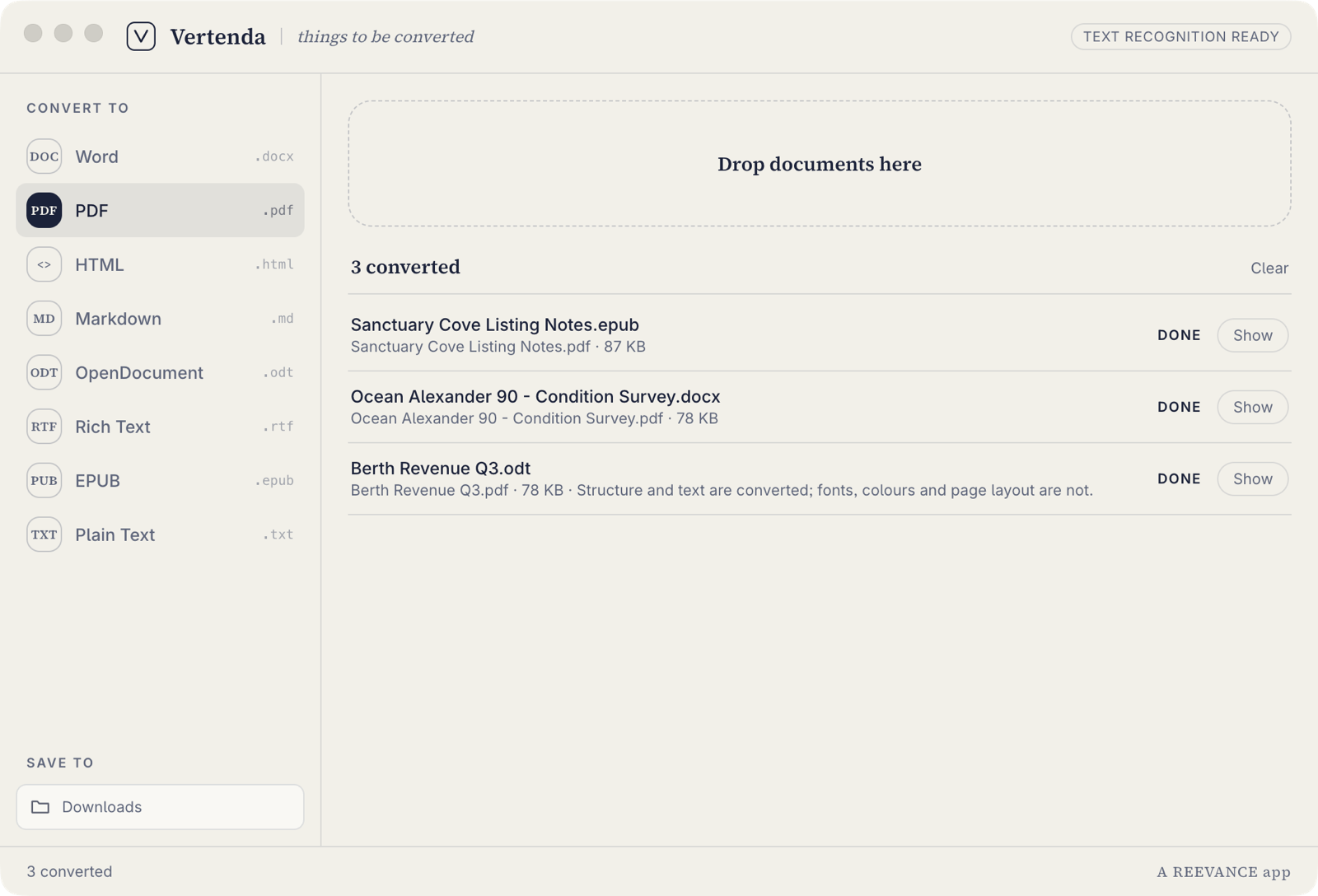
Three documents in, three PDFs out — the real app, not a mock-up.
Your documents never leave your Mac. Not “encrypted in transit”. Never sent. Vertenda is sandboxed and asks macOS for no network access at all — it can open the files you hand it and write to the folder you picked, and that is the whole list. It isn’t a promise we’re asking you to take on trust; it’s an entitlement anyone can inspect. Turn the Wi-Fi off and the app works exactly the same. For a contract, a survey, a medical letter or a client file, that is not a nice-to-have.
The one nobody solves
An Outlook email, as a PDF, without sending it to anyone.
A .msg file is almost always somebody else’s correspondence. Apple Mail can’t open one, Outlook for Mac handles them inconsistently, and nearly every search result for converting one is either an online uploader or a Windows-only tool — the two worst possible answers for a document you were trusted with.
Vertenda reads .msg and .eml directly and writes them out as PDF, Word or anything else in the list — on your Mac, with the message never leaving it. If you assemble bundles, evidence packs, claim files or correspondence records for a living, this is the part of the app you’ll use most.
The awkward part, said out loud
It tells you what didn’t survive the conversion.
Every converter in this category promises perfect fidelity, and the most common review in all of them is somebody saying it wasn’t. Vertenda takes the other approach: where a conversion can’t carry everything across, it says so on the row it happened to — not in a help page you’d read afterwards.

An untouched crop of the app. The caveat sits on the file it applies to.
The idea
The file is never in the shape you need it.
Somebody sends a contract as an OpenDocument file. The survey you need to forward is a scanned PDF with no selectable text. Your accountant wants a spreadsheet as a PDF, the web team wants the same page as Markdown, and the email you need to keep is locked inside an Outlook .msg.
The usual answer is to search for a free online converter and hand your document to a stranger’s server. Vertenda is the other answer: one small Mac app that does the conversion in front of you, on your own machine, and gives you the file back.
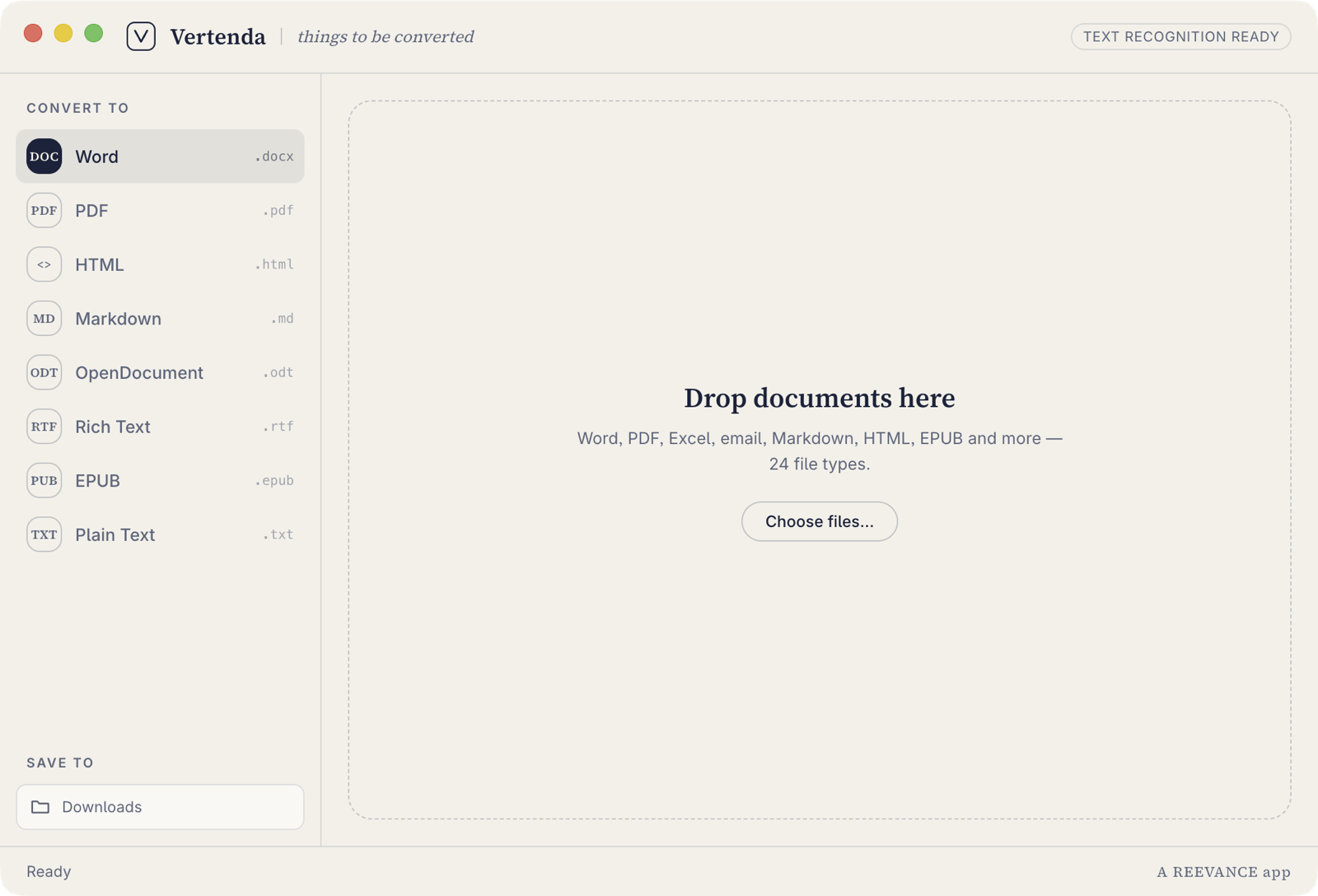
Waiting for work — drop them anywhere on the window.
What you get
A converter that does the job and then gets out of the way.
Everything on your machine
No uploads, no servers, no account to create. Vertenda needs no internet connection to do any part of its job, so your documents stay where they already are.
It reads scanned pages
Hand it a PDF that’s really a photograph of a page and Vertenda recognises the text itself — English, bundled with the app, running locally. The header tells you when it’s ready rather than leaving you guessing.
A stack at a time
Drop a whole folder’s worth on the window and pick one output format. Each file converts on its own, so one damaged document fails on its own row instead of taking the batch down with it.
No account, ever
Nothing to sign up for and nothing to sign in to. Install it and start converting. The only thing Vertenda remembers about you is which output folder you picked, and that sits in its own container on your Mac.
You choose where it lands
Pick the folder once and finished files go straight there. Vertenda is sandboxed for the Mac App Store, so it can reach that folder and nothing else on your disk.
The ledger
Twenty-four in. Eight out.
Every document is read into one common shape and written back out from it — which is why any input on the left can become any format on the right.
What it reads
24 file types
What it writes
8 formats
- Word .docx
- PDF .pdf
- HTML .html
- Markdown .md
- OpenDocument .odt
- Rich Text .rtf
- EPUB .epub
- Plain Text .txt
Spreadsheets and email carry across as documents — the table, the message, the text — not as a working spreadsheet or a mail file. Where a conversion drops formatting, the app tells you on the row it happened to.
What it doesn’t read: LaTeX, reStructuredText, Org-mode and AsciiDoc. Text recognition on scanned pages ships with English only. We would rather you knew that here than found it out after paying.
Three steps
Drop the documents
Drag them onto the window, or use the open panel. One file or thirty — the app takes them as they come.
Pick what you want back
Choose one of the eight output formats down the side. It converts straight away; there’s no settings dialog to work through first.
Open the finished file
Each row shows what it produced and how big it is, with a button to reveal it in Finder. The file is already in the folder you chose.
Light and dark
The same four colours, doing opposite jobs.
Vertenda follows your Mac’s appearance, but dark mode isn’t a second theme with a second palette — it’s the Reevance navy and off-white reversed. Status is set in weight and letterspacing rather than a green pill, because the palette has no green in it and inventing one would break the brand at the first opportunity.
Small thing. It’s the kind of small thing that tells you how the rest was built.
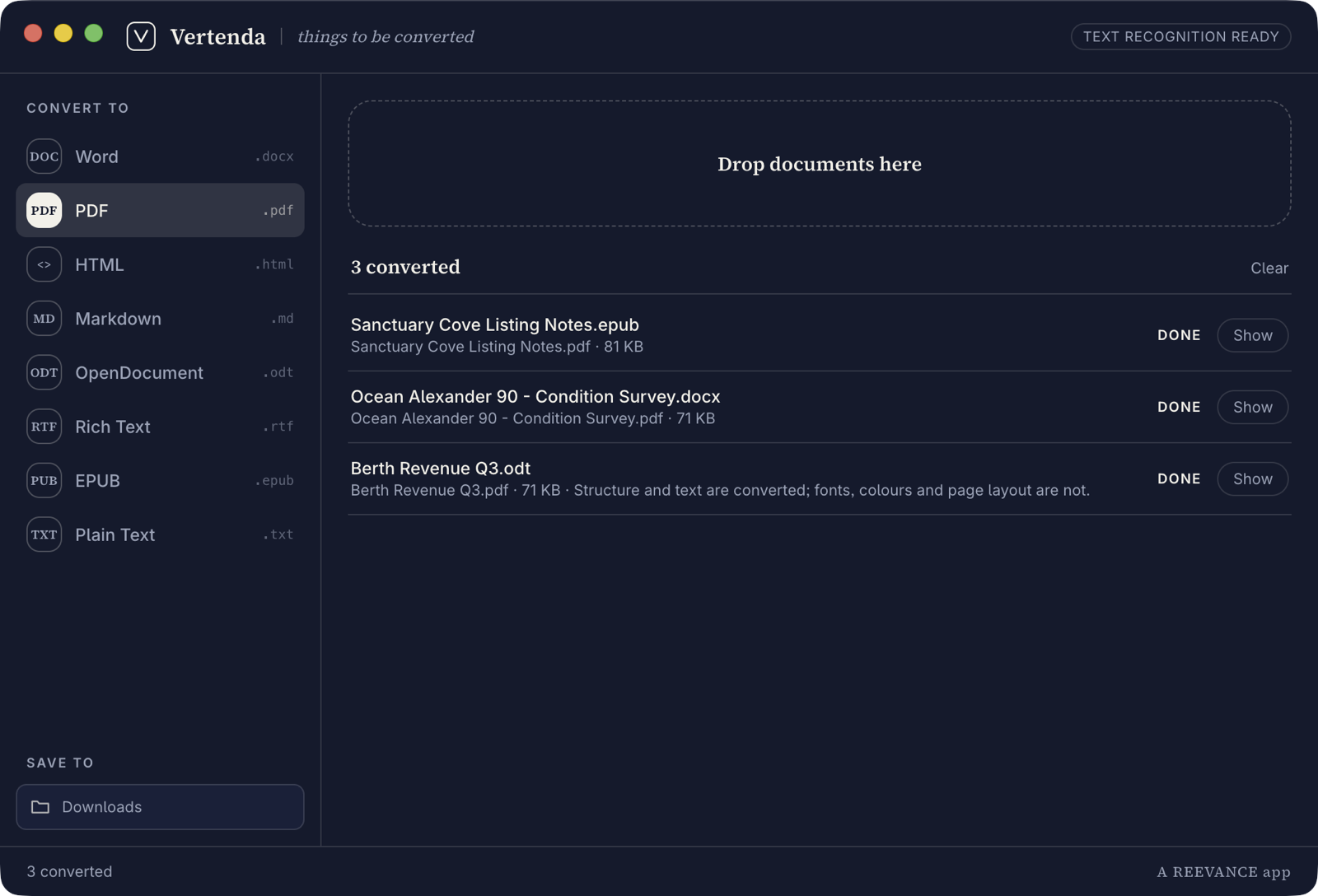
The reversed variant — same palette, opposite roles.
Good to know
A few honest answers.
Does anything get uploaded?
No. Vertenda has no server to upload to and no account to sign into. Conversion, and the text recognition on scanned PDFs, both run on your Mac. The privacy policy sets out how to verify it against the signed app.
Does it work without the internet?
Yes — completely. Nothing about a conversion depends on being online.
Will it convert a scanned PDF?
Yes. When a PDF carries no text layer, Vertenda recognises the text from the page image itself, on your machine. The language pack shipped with the app is English.
When can I get it?
It’s built and being readied for the Mac App Store. Tell us you want it and we’ll let you know when it lands.
Is the layout preserved exactly?
Structure and text come across reliably — headings, bold, lists, tables, links, quotes and accented or non-Latin characters. Page layout, fonts and colours don’t always survive a jump between formats, and where they don’t, the app says so on the file it affected rather than letting you find out later.
Is it related to Notanda?
Same family, same rules. Notanda captures a thought as a file you own; Vertenda turns a file you already own into the format you need. Both are small tools lifted out of the operations systems we build, and both do their work on your device.
For your business
One person converting files is a nuisance. A whole team doing it is a process.
Vertenda came out of a real problem in our own operations: documents arriving in whatever format the sender happened to use, and people re-typing, re-saving and re-sending them by hand before the actual work could start. As a standalone app it fixes that one desk at a time.
The version that matters more doesn’t need a desk at all — the conversion happens where the document lands, and what comes out goes straight into the system that needed it. That’s the Reevance side of the story, and it’s the same story as every other piece of the stack: find the hand-work, and take it out.
Vertenda is on the way.
It’s built and being readied for the Mac App Store. Want a note when it lands, or have a question in the meantime?